Bubble-aware
Text is grouped the way a speech bubble groups it, so a single line of dialogue is translated as one sentence instead of three fragments.
 Screen Translator
Add to Chrome
Screen Translator
Add to Chrome
Screen Translator reward
Your reward is linked securely to the account that opened this page.
Signed in as
Checking your reward…
You can close this tab and go back to the extension.
Claim links are short-lived and single-purpose. Open the extension and tap the offer again to get a fresh one.
Translate without leaving the page
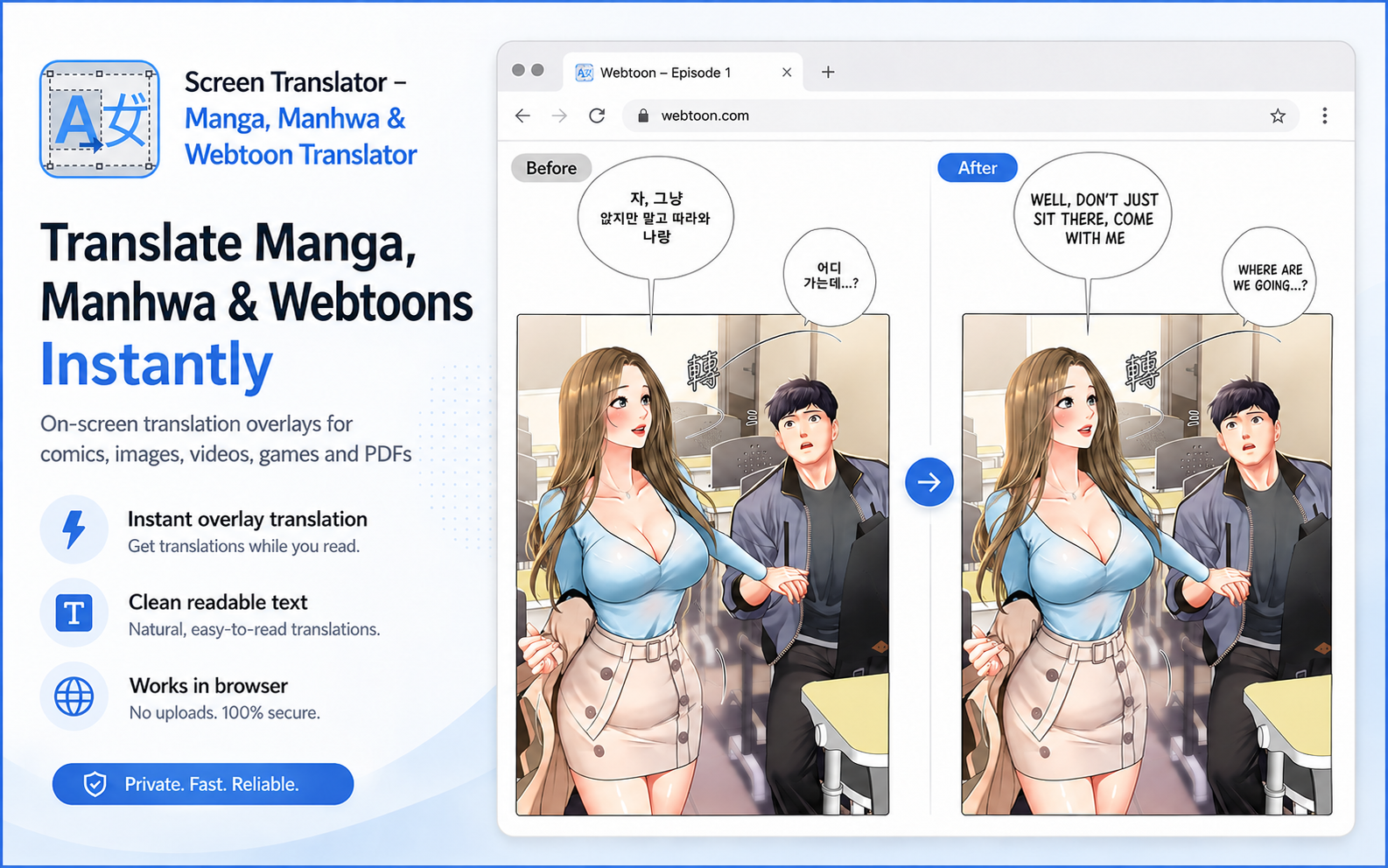
Screen Translator detects text inside images, translates it, and places readable text back into the original page. No screenshots to upload and no copy-pasting.
Free monthly credits. No card required to start.
Built for visual reading
Choose one image or let Screen Translator follow a full chapter while you scroll.
Text is grouped the way a speech bubble groups it, so a single line of dialogue is translated as one sentence instead of three fragments.
Long vertical strips are handled in one pass — no scrolling, capturing and stitching by hand.
Choose a fast, cheap model for casual reading or a premium one when the wording matters. You see the credit cost before you spend it.
Tell it whether it is reading manhwa, news or a technical page and the translation adjusts its register to match.
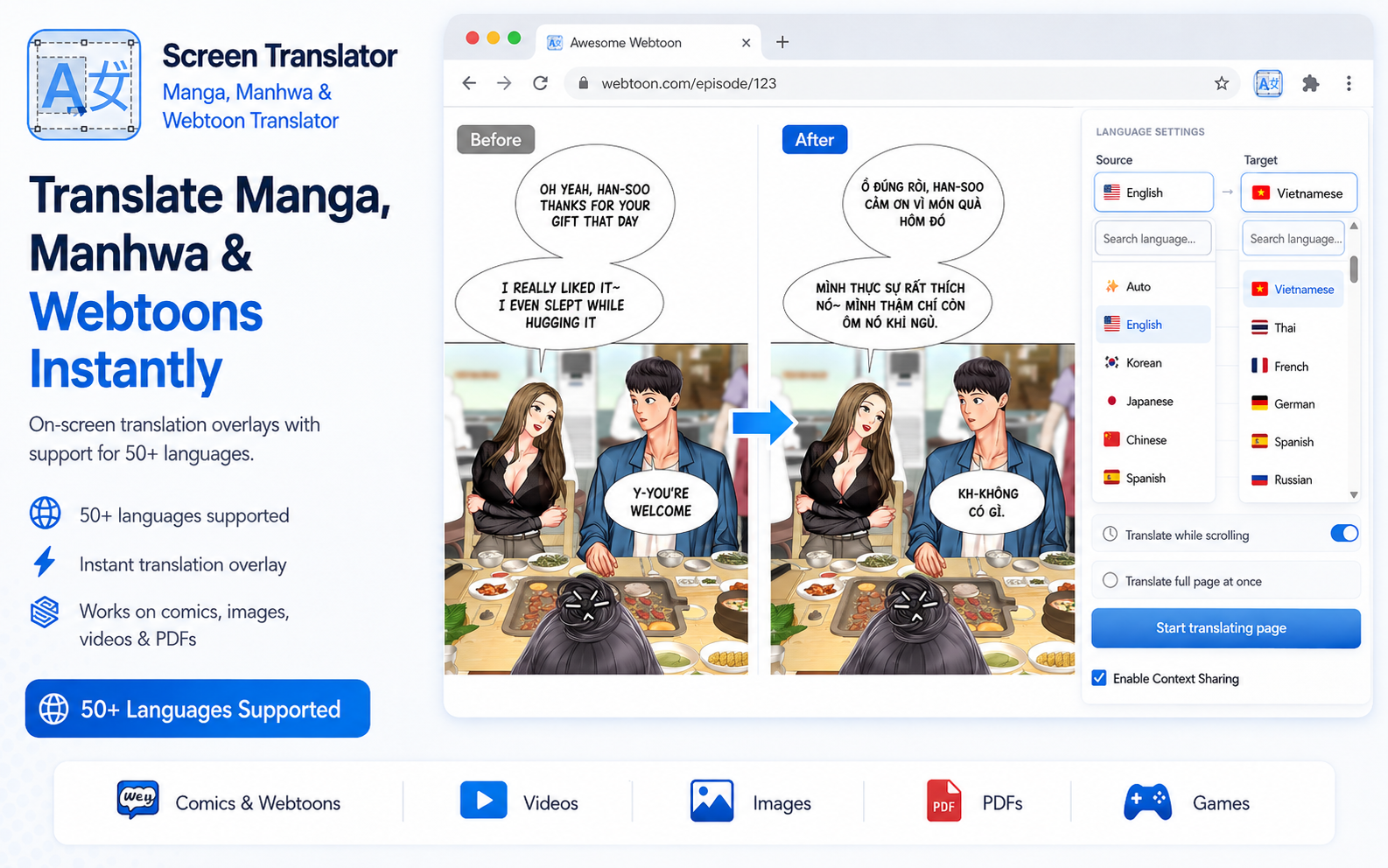
Korean, Japanese, Chinese and English sources into Vietnamese, English and many more.
Pay for what you actually translate. Credits never expire, and every account gets a free monthly allowance.
Add the extension and sign in with Google. Your credits and settings follow your account.
Hit the shortcut to translate the whole page, or drag a box around just the panel you care about.
The translation appears in place, sized and positioned to fit the original art.
See it in action
Compare the source and translated result, then see how full-page translation works inside the browser.
Product walkthrough
Watch Screen Translator move from a page on screen to an in-place translated result.
Open on YouTube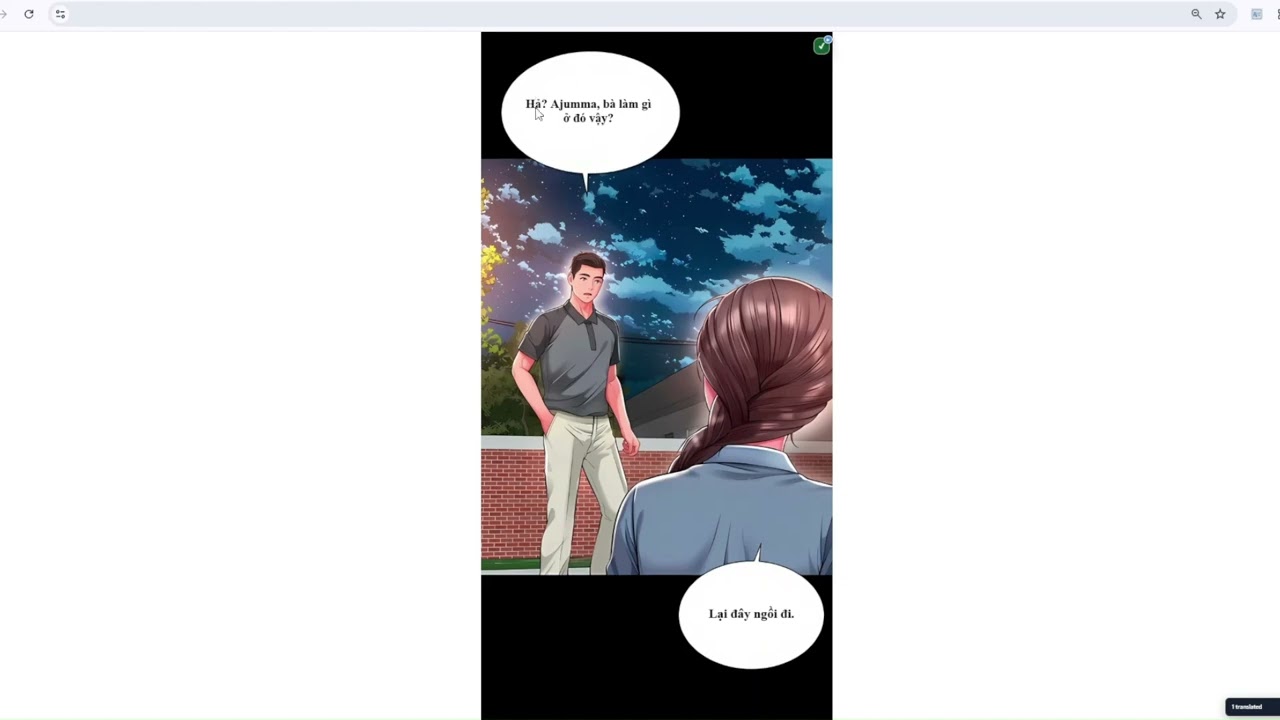
A credit is the unit we charge per translated image. A typical page on the cheapest model costs one credit; a text-heavy page or a premium model costs more. The extension shows the estimate next to each model before you pick it.
Premium credits do not expire. The free monthly allowance resets on the first of each month.
When the campaign is running, opening the extension once a day and claiming the offer adds free credits to your balance. The claim happens on this site, and only after you press Claim yourself.
Only the image you ask it to translate is sent, and only to our own API, which forwards it for text recognition and translation. Nothing is captured in the background.
Any normal web page. Chrome blocks extensions on its own internal pages (chrome://) and on the Web Store, so those are the exception.
Free credits every month, no card, no subscription.
Add to Chrome